
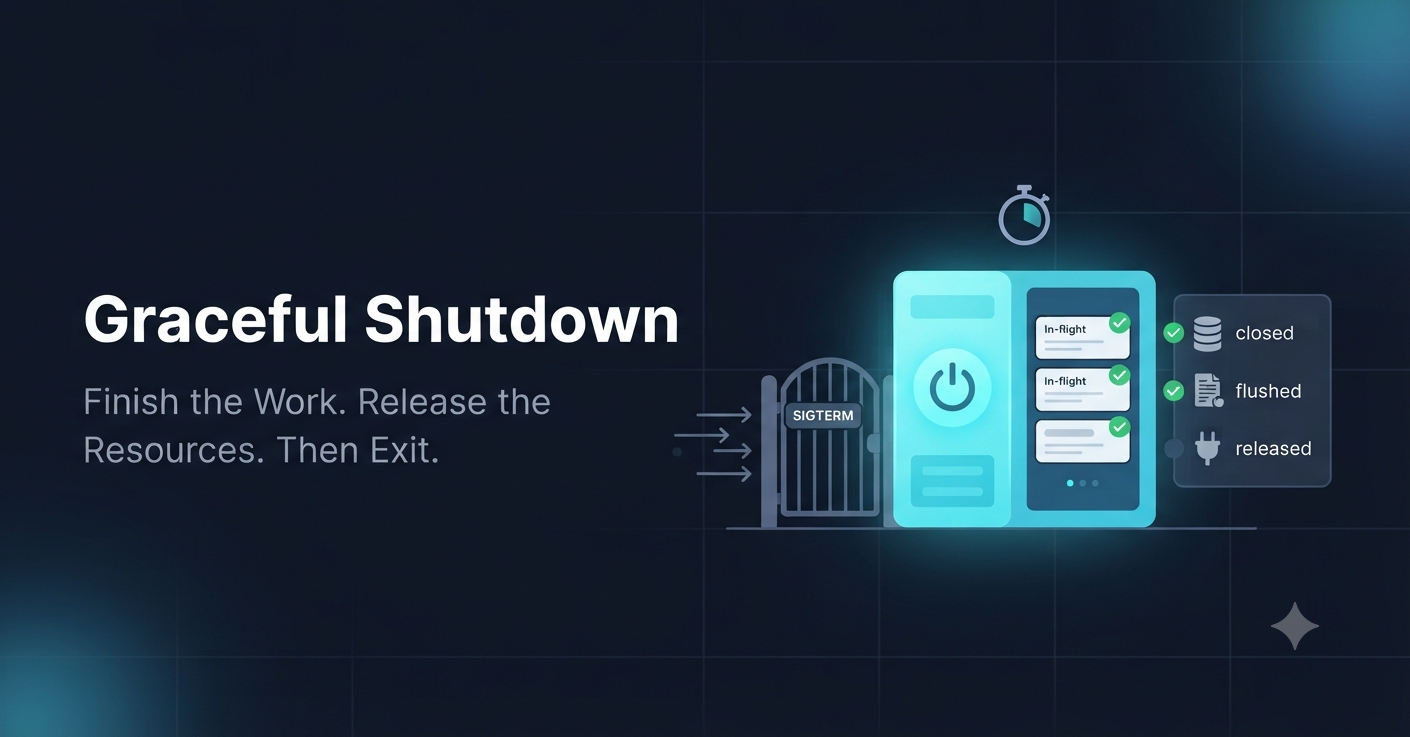
When a critical transaction, such as a product payment or a ticket booking, is in progress and the server restarts abruptly (planned or unplanned), the transaction's data can be lost. Handling the in-flight transactions before shutting down is called graceful shutdown.
Good practices during a graceful shutdown:
- Let current transactions finish, within a time limit.
- Drain connections: stop accepting new requests.
- Reply to new requests with "try again later", or queue them in a wait pool.
- Notify clients, such as frontend apps, to stop sending requests or switch to the new server.
- Run cleanup tasks, such as flushing logs and deleting temporary files (this is mostly done in the reverse order of access).
- Release resources, such as closing database connections, file handles, and network sockets.
Concepts
Process Lifecycle Management
Every backend runs as a process on a machine or server, and the process lifecycle decides how a process starts, lives, and gets destroyed.
The operating system manages all the processes running on the machine. It sends different signals to processes to manage their lifecycle using inter-process communication. Every application process has a handler listening for these signals in the form of keywords.
Every signal keyword is formed from SIG + a short signal name, such as TERM, INT, or KILL.
Example
Termination signals: used to stop the application.
SIGHUP: Terminal closed or hangup; often used to reload configuration.SIGINT: Interrupt from the keyboard (Ctrl+C).SIGQUIT: Quit from the keyboard (Ctrl+\) and produces a core dump.SIGKILL: Immediately kills the process; cannot be caught or ignored.SIGTERM: Polite request to terminate; can be caught for graceful shutdown.
Fault (error) signals: used to indicate an error condition in the process.
SIGILL: Illegal instruction was executed.SIGABRT: Process aborted itself, e.g. viaabort().SIGFPE: Invalid arithmetic operation, such as division by zero.SIGSEGV: Invalid memory access (segmentation fault).
Job control signals: used to pause, resume, or track the state of processes.
SIGCHLD: A child process stopped or exited.SIGSTOP: Pauses the process; cannot be caught or ignored.SIGKILLandSIGSTOP: cannot be caught or handled by the application. Handle SIGTERM for graceful shutdown so the application can finish in-flight work and clean up before exiting.SIGTSTP: Stop from the keyboard (Ctrl+Z); can be caught.SIGCONT: Resumes a stopped process.
Timer and I/O signals: used to notify the process of a timer expiry or an I/O problem.
SIGALRM: Timer set byalarm()expired.SIGPIPE: Write to a pipe or socket with no reader.
User-defined signals: signals with application-specific meaning, like
SIGUSR1/SIGUSR2.
Implementation of Graceful Shutdown
- Create handlers that listen to signals, events, and interrupts from the OS, such as
SIGTERMandSIGINT. - Create the shutdown process:
- Stop the HTTP server from accepting new requests.
- Wait for in-flight requests and transactions to finish, within a time limit.
- Stop background jobs and queue consumers.
- Clear or flush the cache.
- Close the database connections and pool.
- Close external services, such as message queues and third-party clients.
- Flush logs and delete temporary files.
- Exit the process with the proper exit code.
- Set a force-exit timer so the process still exits if the shutdown hangs.
About the author
- My journey started as a Computer Engineering student with a deep curiosity about how software systems are built from the ground up. During college, I dove into web development, databases, and machine learning — shaping a strong foundation in problem-solving and software engineering. I graduated with a Grade A+ and went on to publish research on a KNN-based recommendation system I built as part of my final-year project. After college, I started out building UI dashboards integrated with Microsoft Dynamics 365, improving data visualization by 40% and cutting decision-making time by 25%. I then grew into a Full Stack role — developing a payment gateway serving 66 million users with 125,000 daily transactions, and a real-time analytics dashboard powered by Apache Kafka and Pinot that reduced query latency by 76%. Outside of work, I enjoy building personal projects — from a neighbourhood e-commerce platform to a URL shortener and a video streaming service. I'm driven by clean architecture, real-world performance, and the satisfaction of shipping systems that actually work under pressure.
Comments
Join the discussionNo comments yet. Be the first to comment.
First Principles of Backend Engineering
An in-depth article series deconstructing the core mechanics of backend systems. Moving beyond frameworks and trendy tools, this series explores the fundamental building blocks of the web—from network protocols and reverse proxies to database architecture and server security—helping you understand exactly how and why scalable systems work from the ground up.